Compatibility & FAQ
Device Compatibility
The NomadDesk™ Horizon is engineered to work seamlessly out of the box with almost any modern device featuring a full-featured USB-C port or Mini-HDMI output.
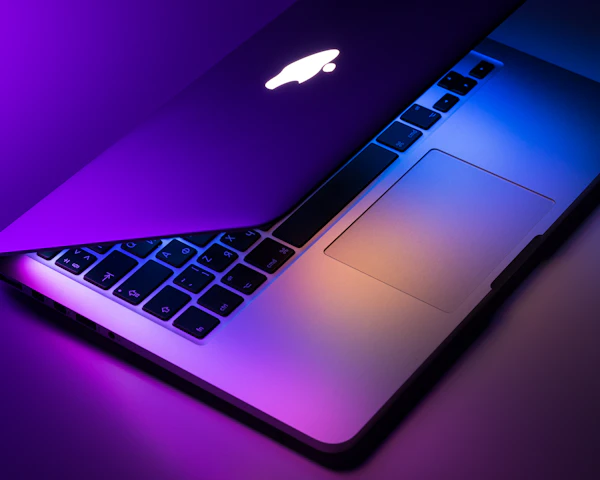
💻 Laptops & MacBooks
Works with Apple M1/M2/M3 MacBooks, Windows laptops (Dell, HP, Lenovo, ASUS, Microsoft Surface), and Chromebooks via a single USB-C cable or HDMI + USB.

📱 Smartphones
Compatible with phones supporting video output over USB-C, including Samsung Galaxy (with Samsung DeX), Huawei EMUI Desktop, and iPhone 15/16 series.

🎮 Gaming Consoles
Plug and play with PS5, PS4, Xbox Series X/S, Nintendo Switch, and Steam Deck using the included Mini-HDMI and USB-C power cables.
Frequently Asked Questions
Got questions? We've got answers to help you get set up in seconds.
Do I need to install any drivers or software?
No drivers or software are required. The NomadDesk™ Horizon is true plug-and-play. Just connect the cables provided, and your screen extends instantly.
Does the monitor need an external power source?
If your laptop's USB-C port outputs enough power, a single cable can power the monitor and transmit video data. If connecting via Mini-HDMI (or if your phone/device has low power output), you can power the monitor using the included wall adapter and power cable.
What cables are included in the box?
Every order comes complete with a Mini-HDMI to HDMI cable, a USB-C to USB-C video cable, a USB-C power cable, and a wall charging brick so you are ready to work right out of the box.
What is your return policy?
We offer a 30-day money-back guarantee. If you aren't completely satisfied with your mobile workstation setup, reach out to our support team for a hassle-free return.